Medical
NurseShift
Know what your paycheck says before it lands.
Productivity · iPhone · iPad · Mac · Vision Pro
Listen to the PDF you don't have time to read.
The document is forty pages, you're driving, and reading it later never actually happens.
Capabilities
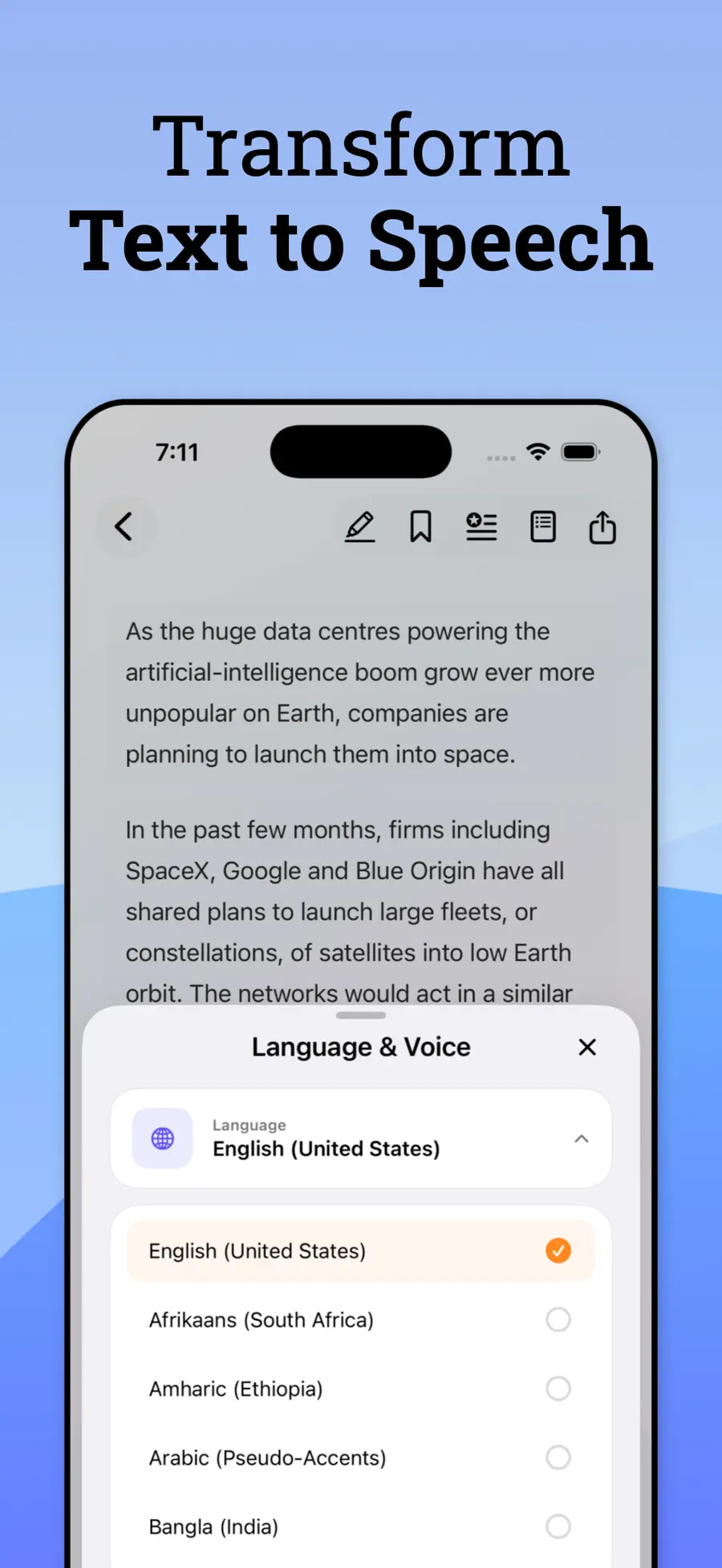
Clear, lifelike speech across a wide set of languages and accents. Adjust voice, speed, pitch and volume until it sounds the way you want to listen.
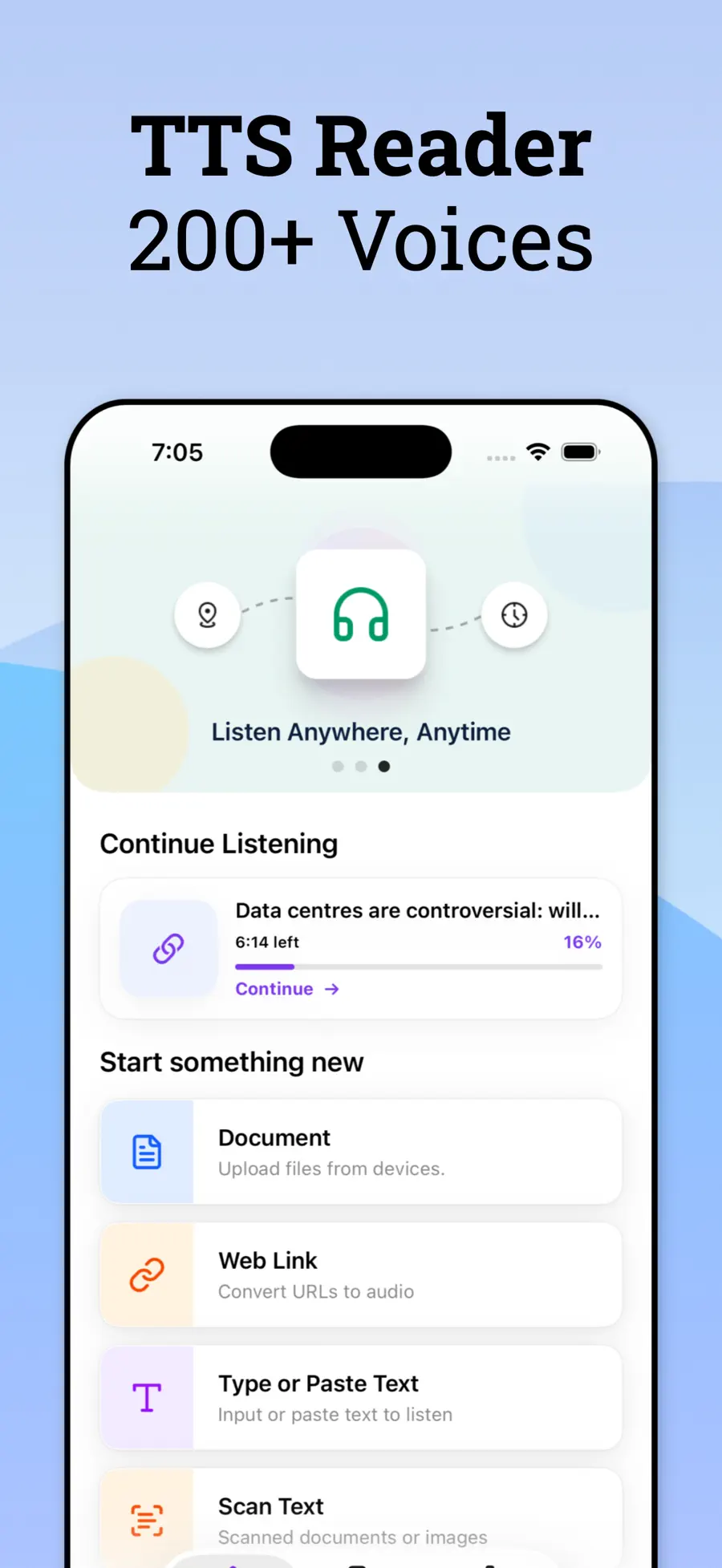
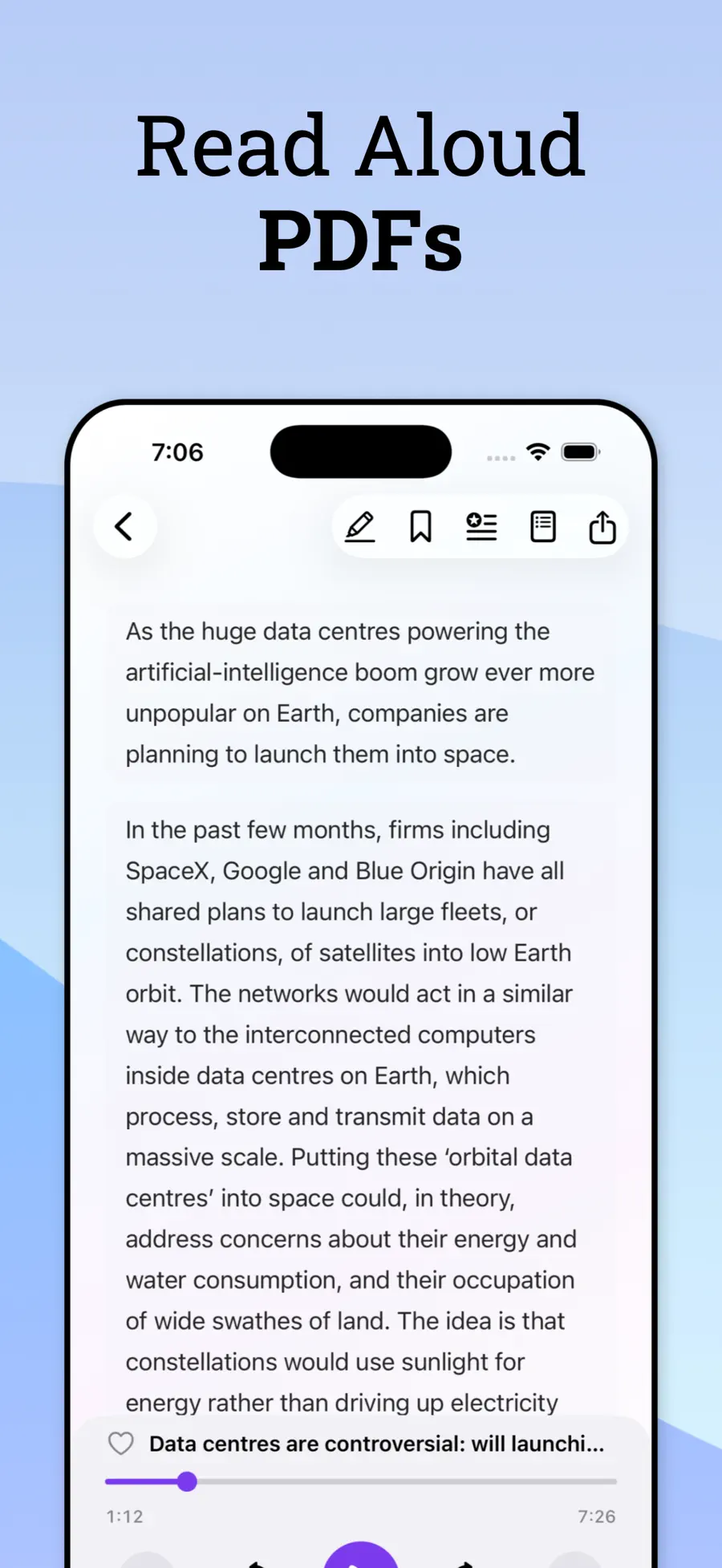
Open a PDF and hear it with read-along highlighting, so you can follow on screen or put the phone in your pocket.
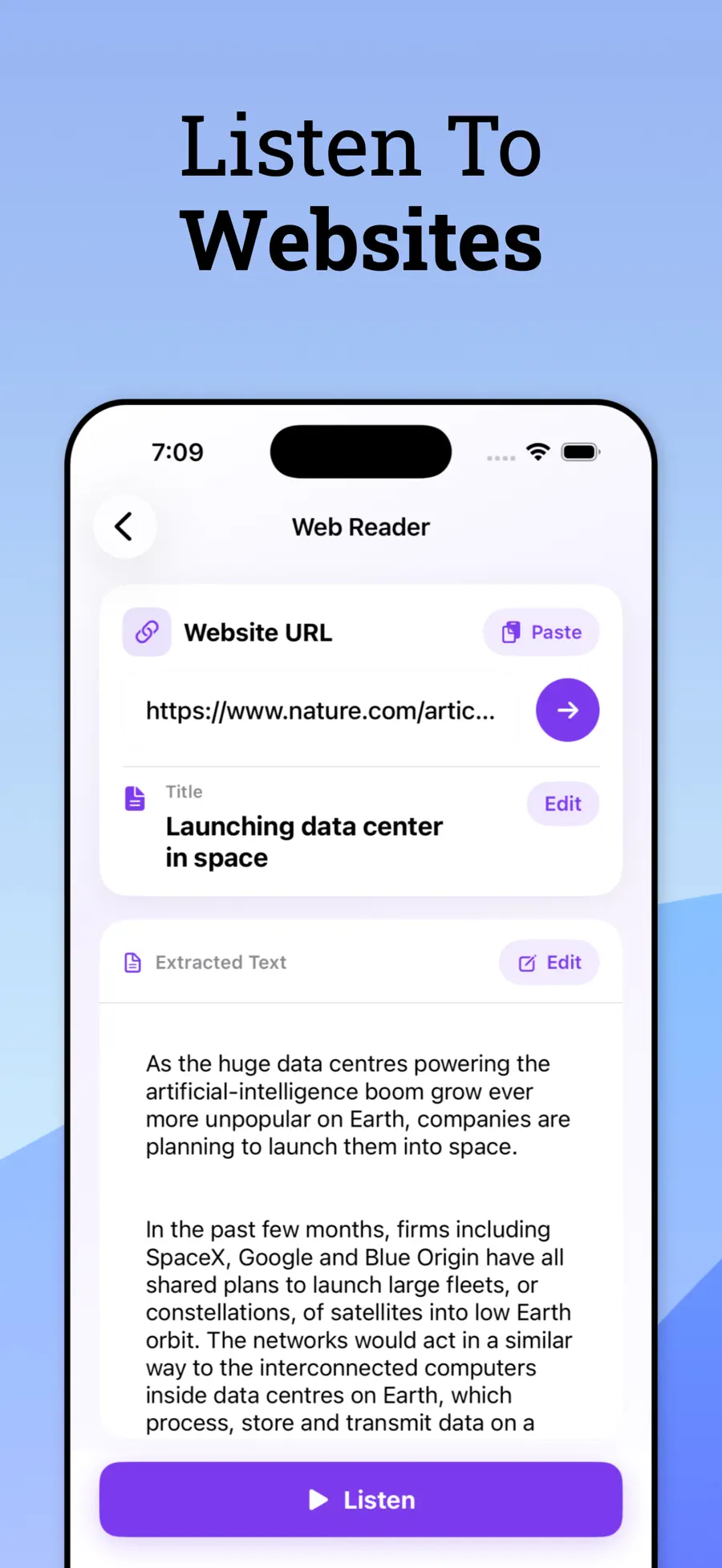
Paste a link and the article is extracted and read to you — no sidebars, no cookie banners, no navigation menus read out loud.
Condense something long before deciding to listen to all of it, or translate a text into another language and hear the result spoken.
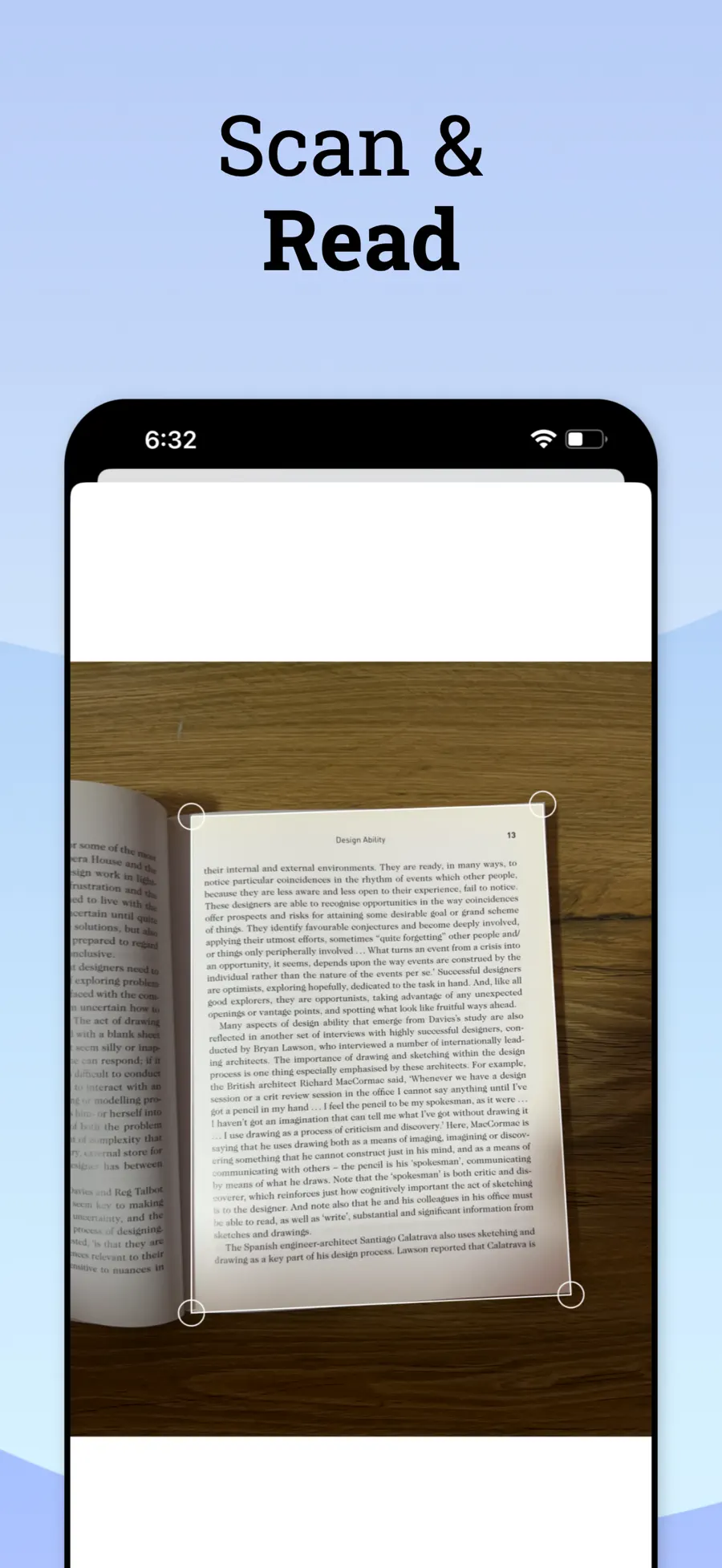
Point at a page, a letter, a sign, a menu. Captured text turns into speech immediately.
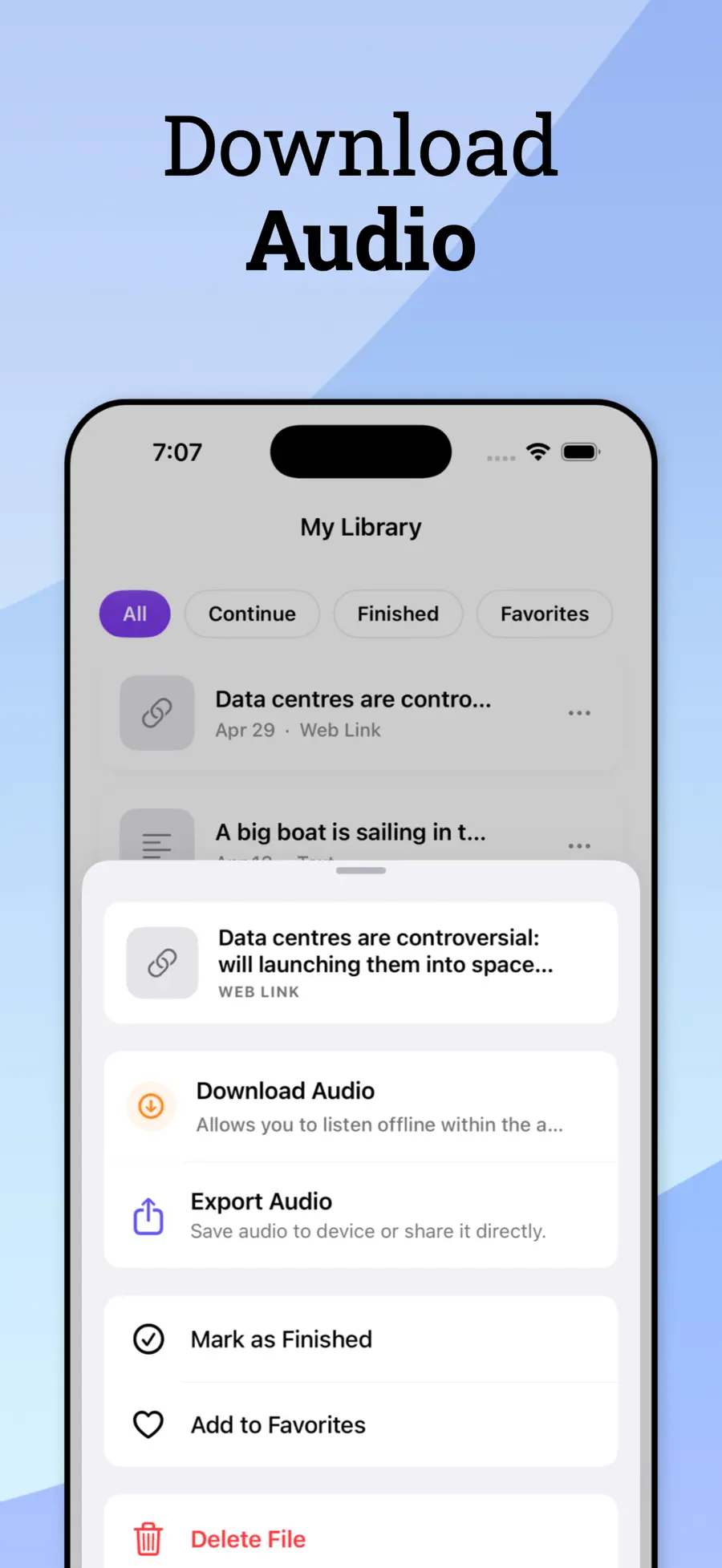
Save audio for flights and commutes, and set a timer so listening in bed doesn't run all night.
Context
There is a particular kind of reading that never gets done. The report someone sent on Friday. The long article you saved with genuine intent. The chapter you need for Tuesday. It isn’t that the time doesn’t exist — it’s that the time you have is spent driving, walking, cooking, queuing, and none of those hands are free.
TTS Reader takes that pile and makes it listenable. Open a PDF and it reads properly, following along on screen if you’re watching and continuing in your pocket if you’re not. Paste a link and you get the article itself, not the navigation menu and cookie notice read out in sequence. Point the camera at a printed page and it starts speaking.
The voices are the reason people stay. Text-to-speech spent a decade sounding like an announcement in a train station, and this doesn’t — you can leave it running for an hour without your ear rejecting it. Speed, pitch and voice are all yours to set.
Around the reading sit the tools that make a long document tractable: an AI summary when you need to decide whether the whole thing is worth an hour, translation when the source isn’t in your language, offline downloads for flights, and a sleep timer for the nights when listening turns into sleeping.
Pricing
Free to download — try the voices before you commit
| Plan | Price |
|---|---|
| Weekly | $4.99 |
| Yearly | $59.99 |
US App Store prices; regional pricing varies. Purchases, renewals and cancellations are handled by Apple through your Apple Account.
Yes. Open the PDF in TTS Reader and it reads it aloud with read-along highlighting, including scanned PDFs via text recognition.
Downloaded audio plays offline. Generating new speech, AI summaries and translation need a connection.
The interface is available in 17 languages, and the voice library covers a wide range of languages and regional accents. Check the voice picker in the app for the current list.
Yes — playback continues in the background with Lock Screen controls, like a podcast.
The app is free to download so you can try the voices. Sustained use, AI summaries and offline downloads are part of the subscription.
Yes, alongside iPhone, iPad and Apple silicon Macs.
Privacy
Text you save lives in your library on your device. Speech generation, AI summaries and translation are processed as described in the privacy policy; scanned camera text is used to produce speech and is not sold or used for cross-context advertising.
Specification
More from Drongo