Medical
NurseShift
Know what your paycheck says before it lands.
Productivity · iPhone · iPad · Mac
Block the distraction, keep the streak.
You sit down to do the work, and forty minutes later you're somewhere else entirely.
Capabilities
Not a gentle nudge — distracting apps are blocked and notifications silenced for the length of the session, so the decision to focus is made once instead of forty times.
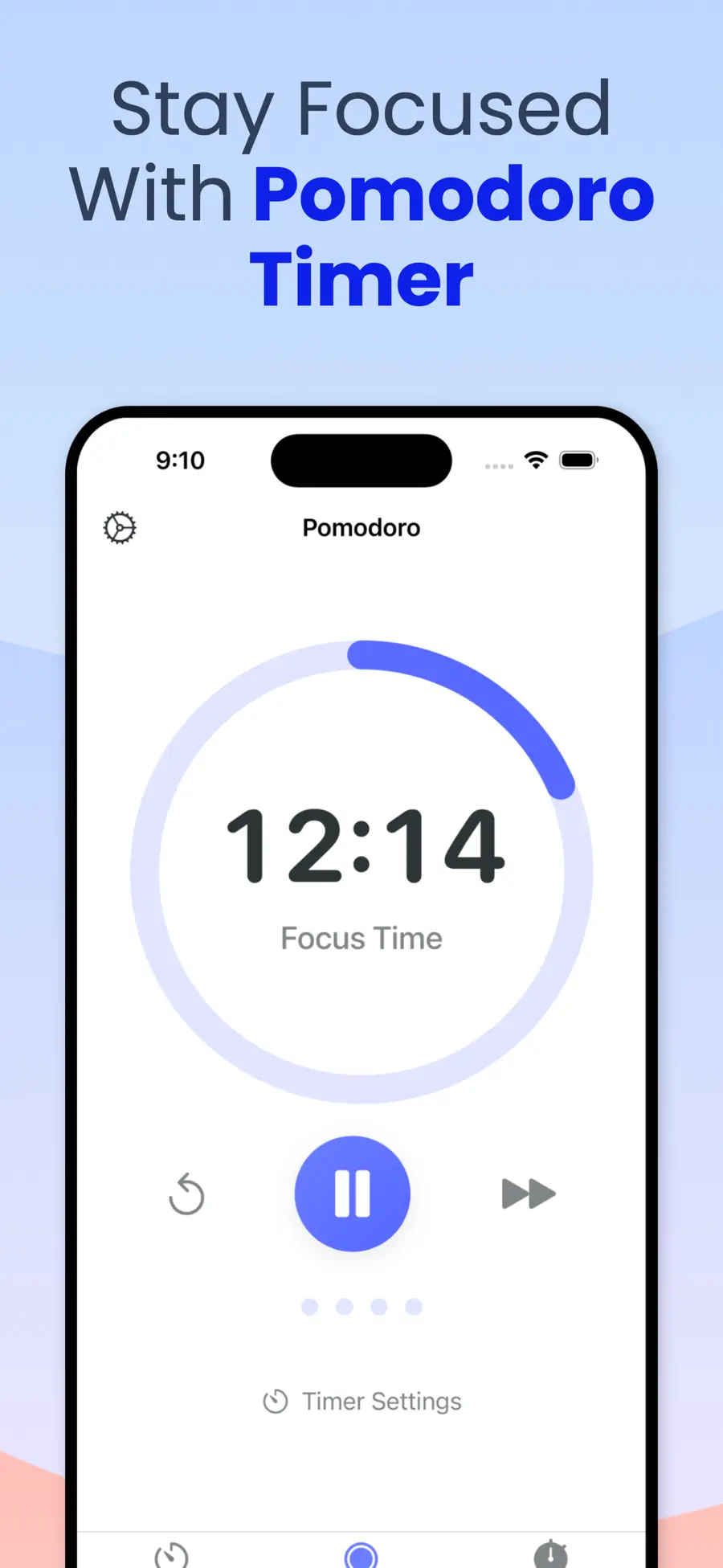
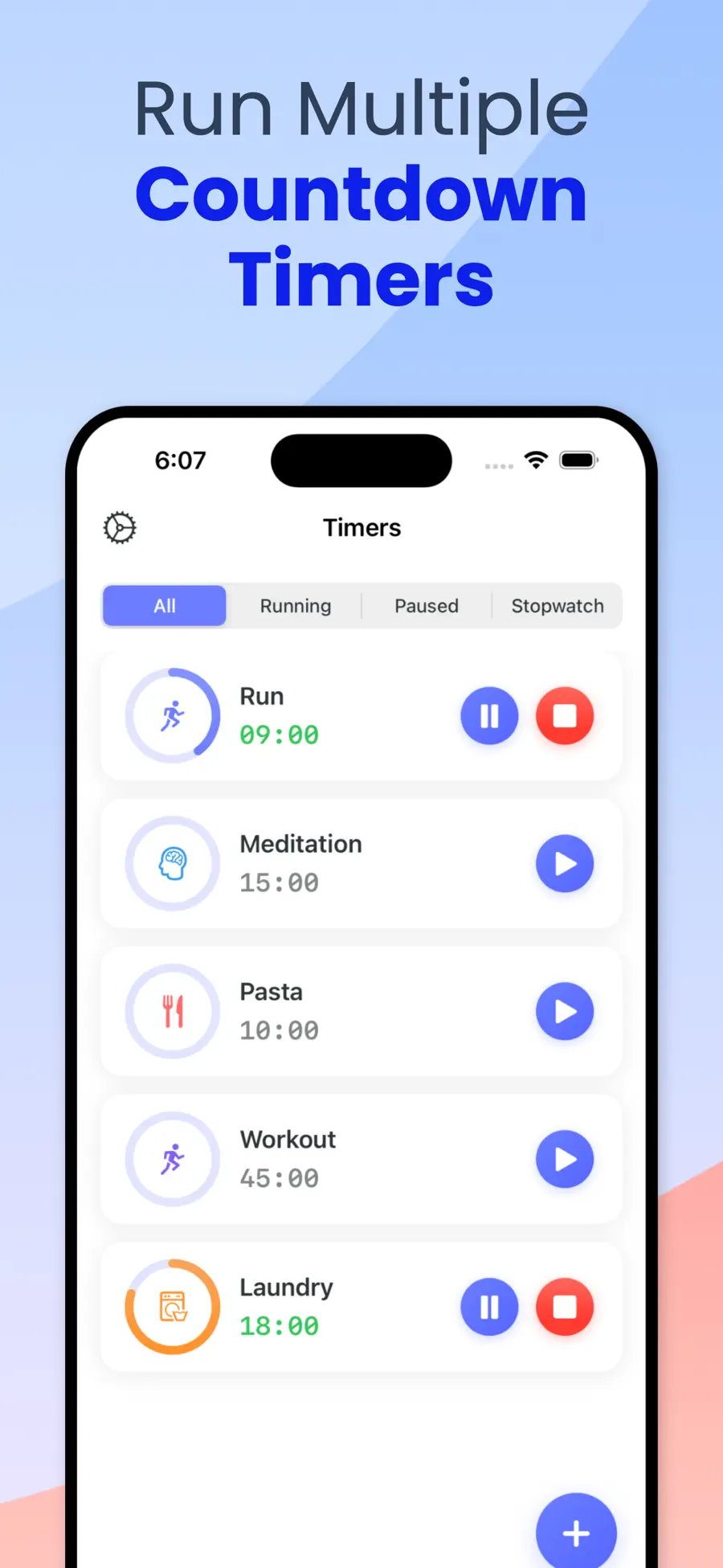
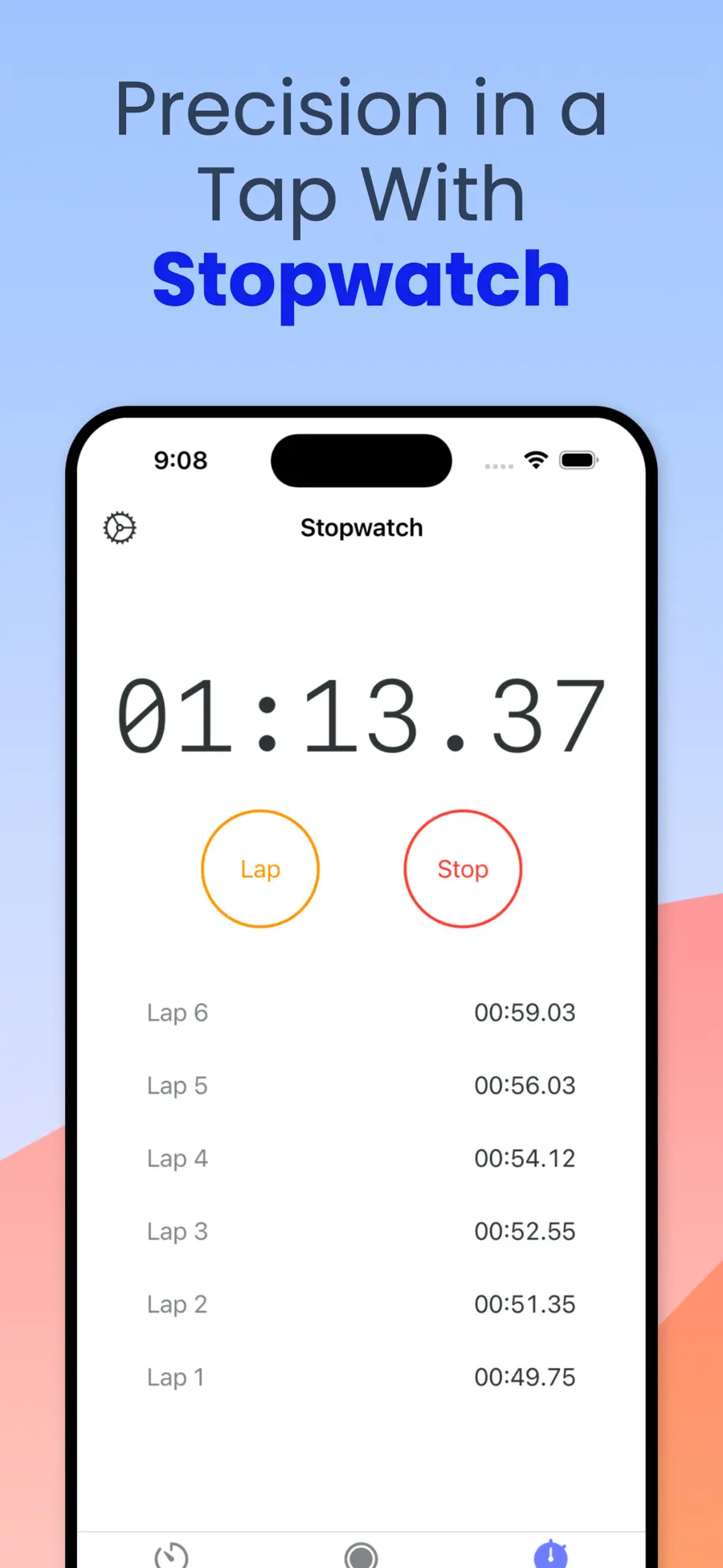
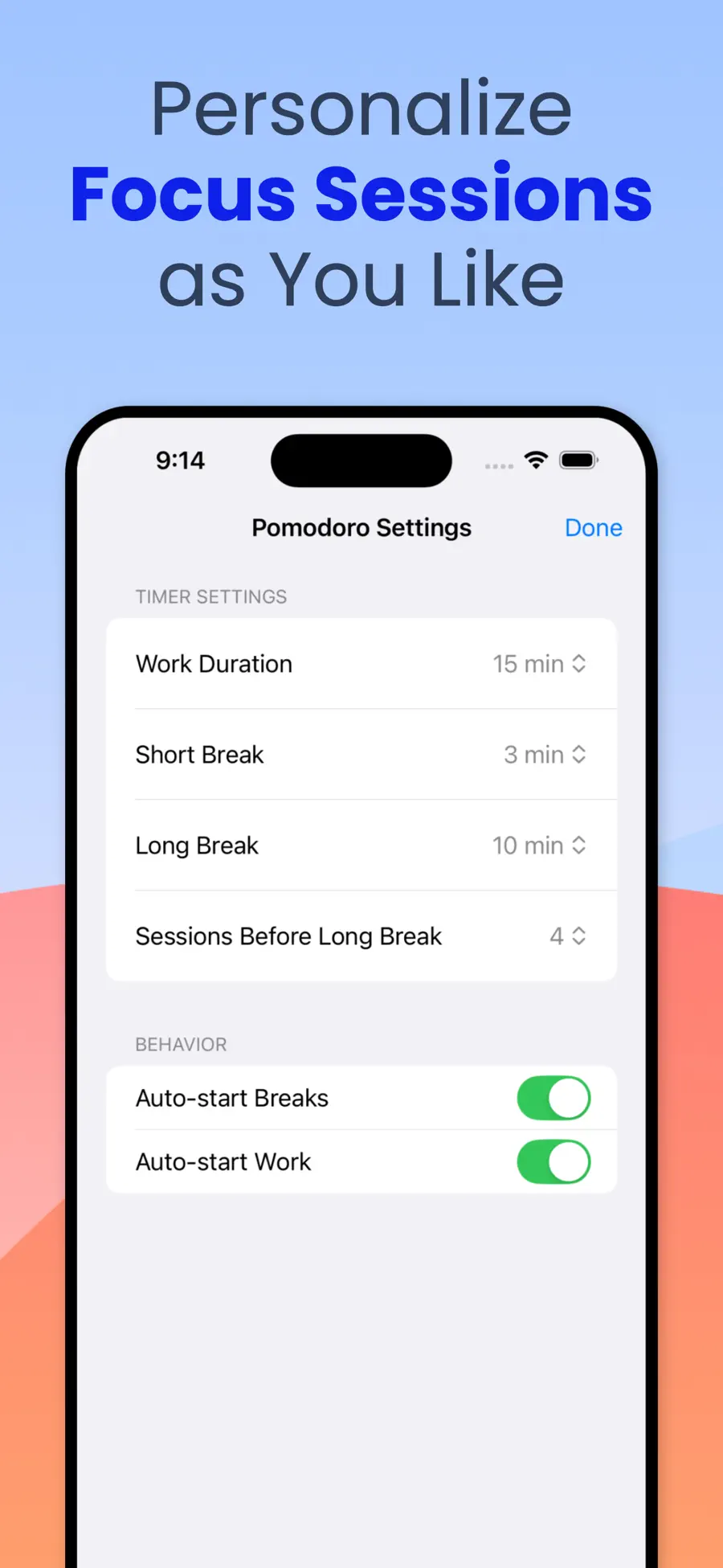
Set your own work, short-break and long-break lengths. Run several timers at once if you're juggling study blocks and admin.
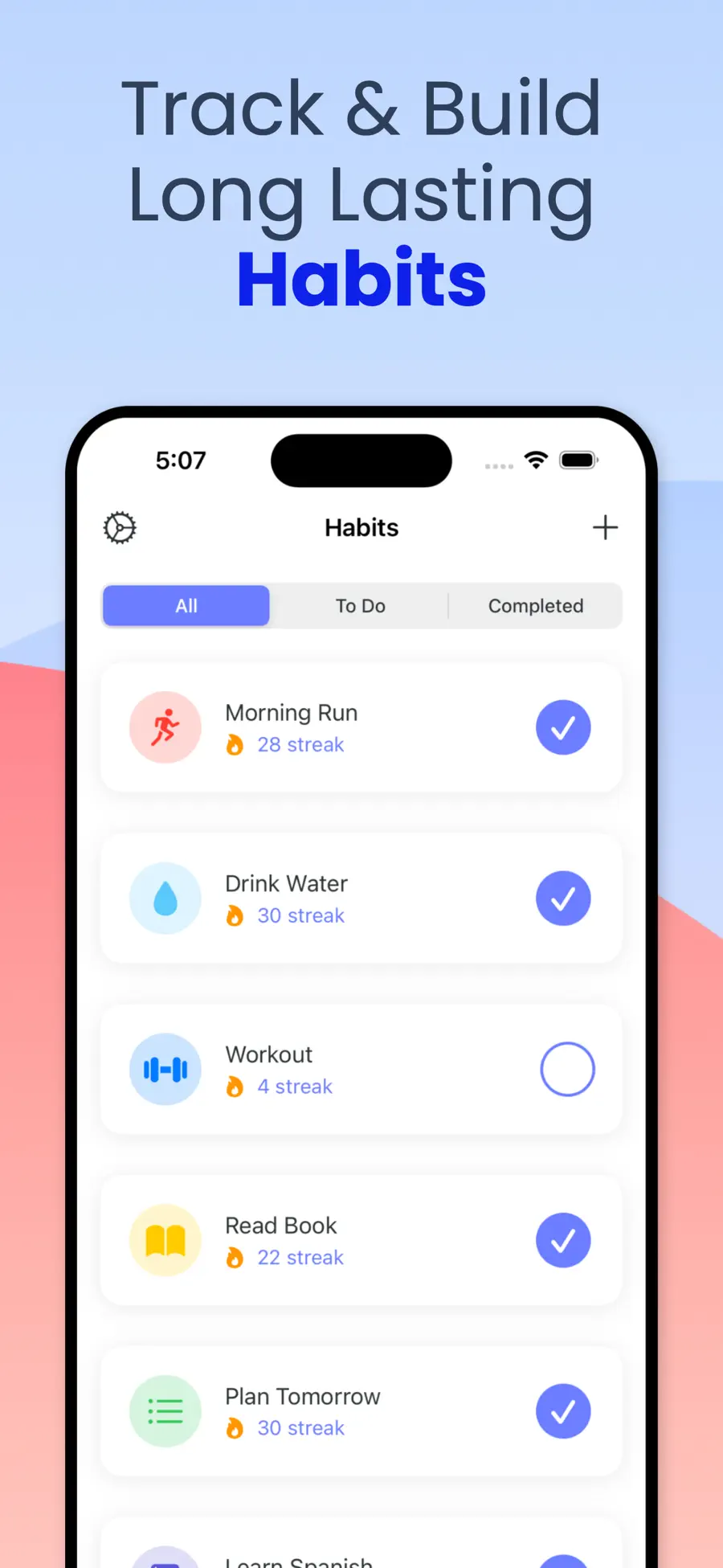
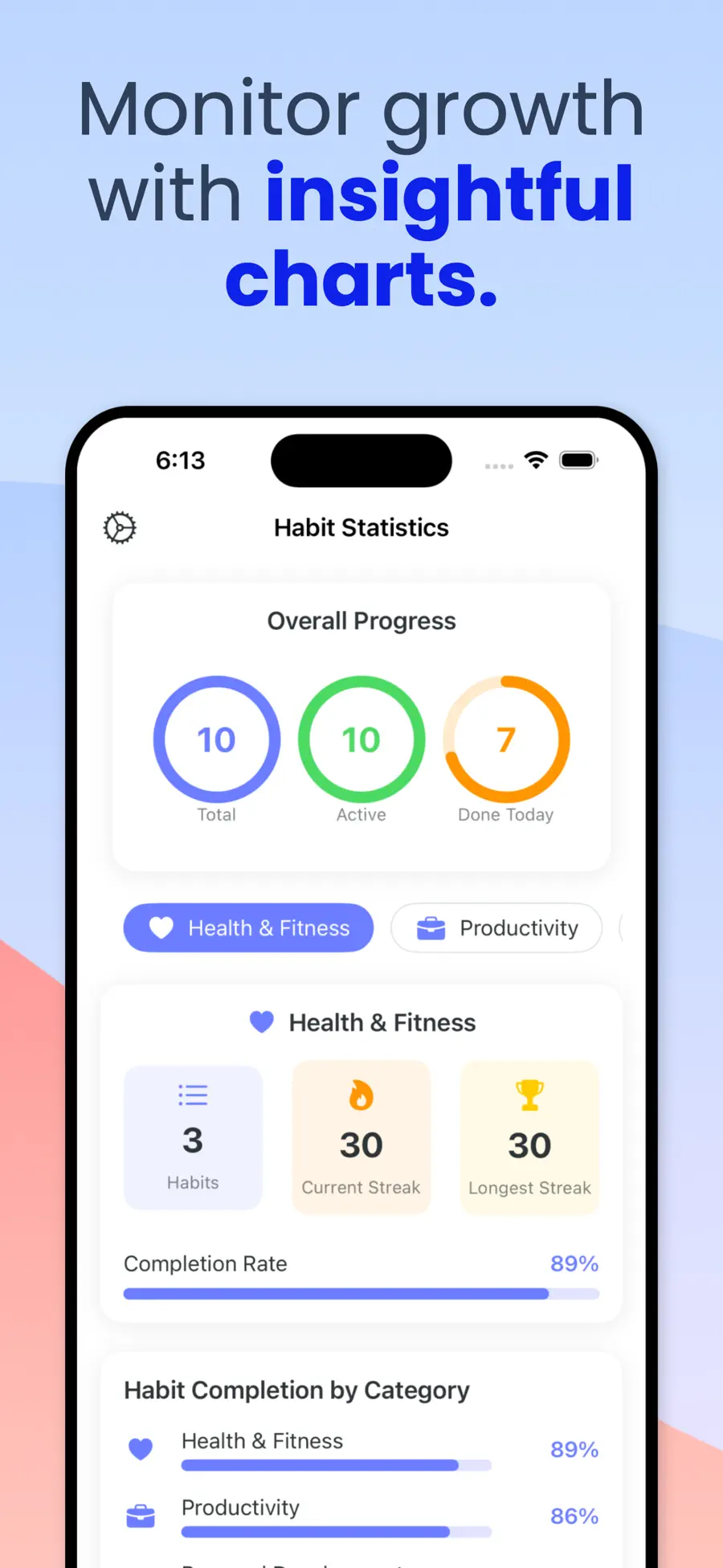
Health, study, fitness, reading, mindfulness — check them off daily, watch the history fill in, and let the streak do the motivating.
Lock Screen widgets and Live Activities keep the running session in front of you, which is exactly where a focus timer belongs.
Timely notifications for the habits you set, so consistency doesn't depend on remembering to open an app.
iCloud keeps habits, streaks and session history the same on iPhone, iPad and Mac.
Context
Focus Mate started as a Pomodoro timer and turned into something more stubborn. The timer was never the hard part — anyone can set twenty-five minutes. The hard part is the moment forty seconds in when your hand reaches for the phone before you’ve decided to.
Deep Focus is the answer to that moment. Start a session and the apps you’ve named are simply gone until it ends. No dialogue, no five-more-minutes. Because the decision was made when you were thinking clearly rather than when you were bored, it holds.
Around that sits the part that makes it stick across weeks rather than afternoons: habits you check off daily, streaks you’d rather not break, and a history that makes the last month visible at a glance. Reminders bring you back to the actions you said mattered, and Lock Screen widgets and Live Activities keep a running session in view instead of buried behind a home screen.
It has been in the App Store since 2022 and is on version 7.6, which is a long way of saying it has been sanded down by a lot of real use. It’s the most established app in this portfolio, in thirteen languages, on iPhone, iPad and Mac.
Pricing
Free to download — habits and Pomodoro sessions included
| Plan | Price |
|---|---|
| Weekly | $2.99 |
| Monthly | $5.99 |
| Yearly | $29.99 |
| Lifetime | $49.99 |
US App Store prices; regional pricing varies. Purchases, renewals and cancellations are handled by Apple through your Apple Account.
Screen Time is a limit you set and then talk yourself out of. Focus Mate ties blocking to a session you started deliberately, and pairs it with habit tracking and Pomodoro structure so the blocked time has a shape.
Yes — during a Deep Focus session the apps you've chosen are blocked and their notifications silenced until the session ends.
Many people use it that way. Short defined sessions, visible streaks and external blocking are the parts that tend to help. It's a productivity tool, not a clinical one.
Habit tracking and Pomodoro sessions work free. The subscription unlocks Deep Focus, unlimited habits, detailed history and sync.
Yes — a $49.99 lifetime unlock, if you'd rather not run a subscription.
Yes, on Macs with Apple silicon, and on iPad. Your habits and streaks sync across all of them.
Privacy
Focus Mate stores your habits and session history on your device and syncs through your own iCloud account. Analytics and diagnostics are used to improve the app; see the privacy policy for the full breakdown of what is collected and by which services.
Specification
More from Drongo
Medical
Know what your paycheck says before it lands.
Productivity
Listen to the PDF you don't have time to read.

Reference
Photograph it. Find out what it is, and what it's worth.