Medical
NurseShift
Know what your paycheck says before it lands.
Productivity · iPhone · iPad · Mac · Apple Watch · Vision Pro
A day with a shape, not a list with no end.
The to-do list has thirty-one items and no relationship to the hours you actually have.
Capabilities
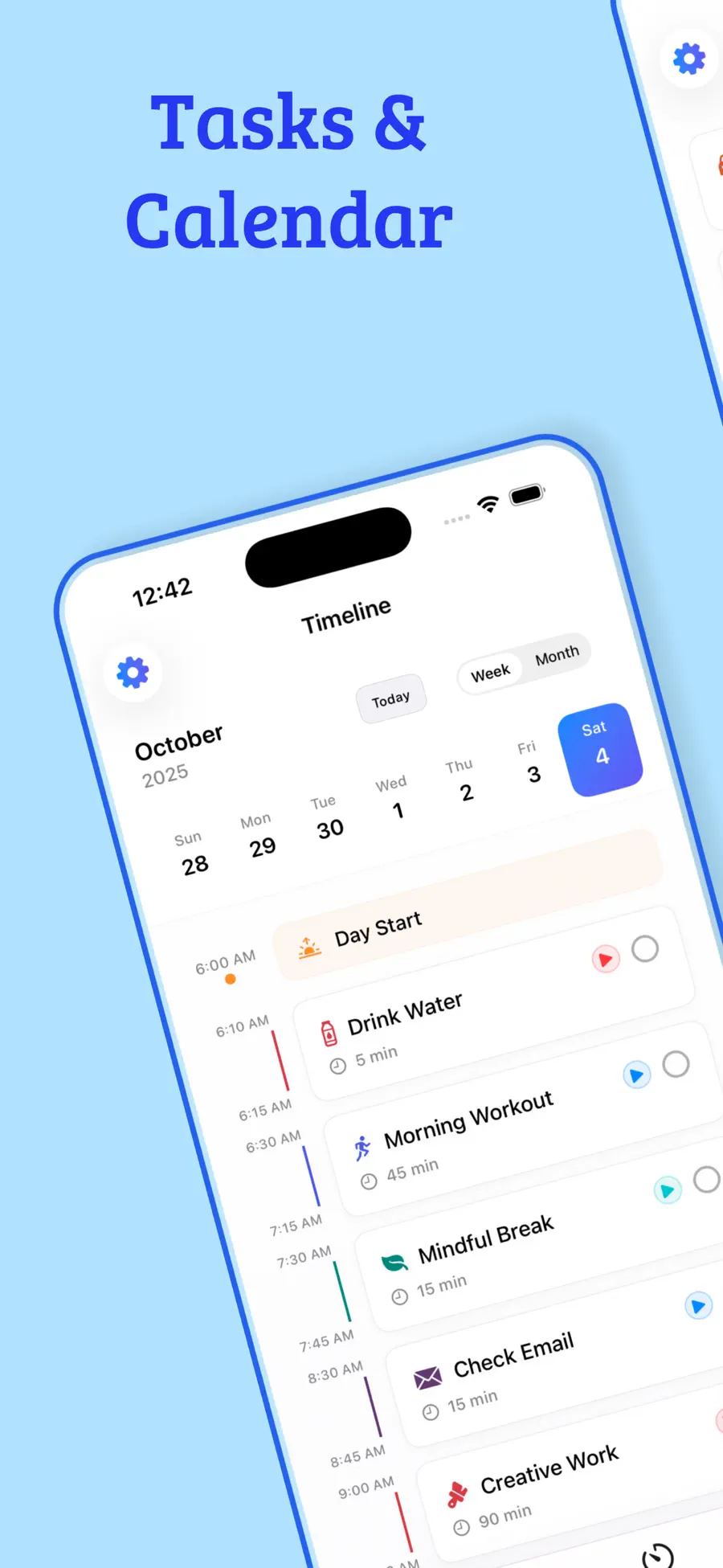
Blocks sit against real hours, so the day tells you the truth about what fits. A list can hold thirty-one items; a Tuesday cannot.
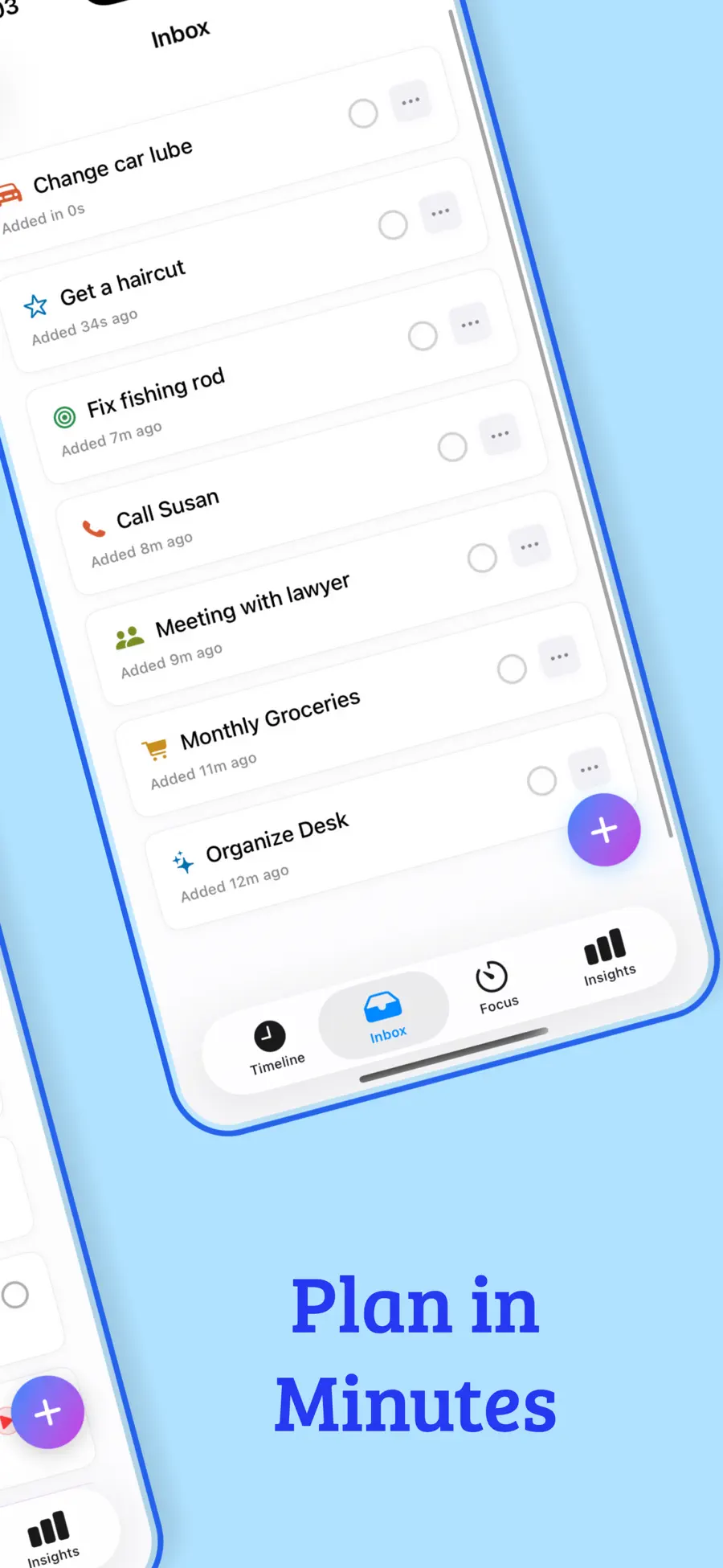
Capture the thought now, decide where it goes later. Nothing has to be placed the moment it arrives.
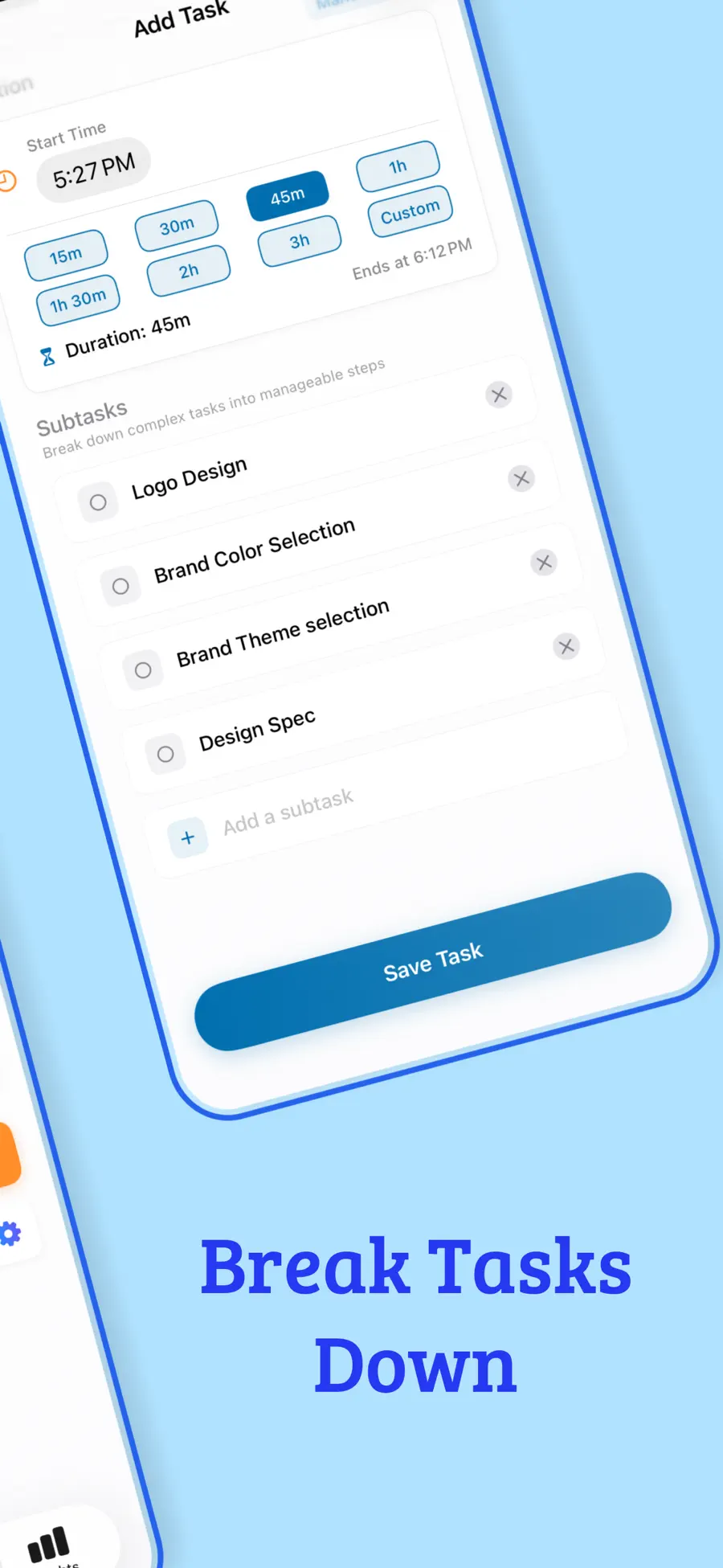
Recurring blocks for the parts of the week that don't change, so you're not rebuilding Monday every Monday.
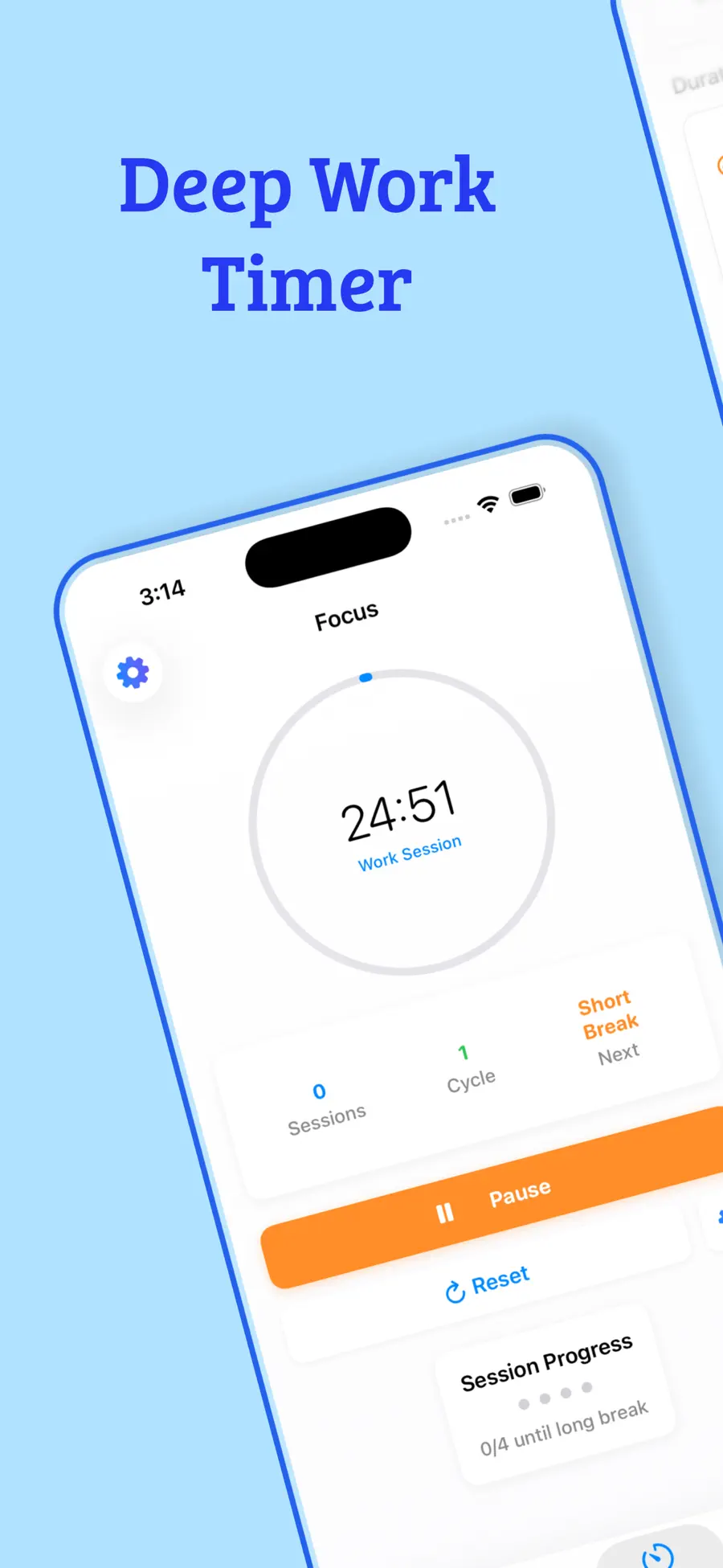
A Pomodoro timer that runs against the actual task in front of you, rather than as a separate ritual.
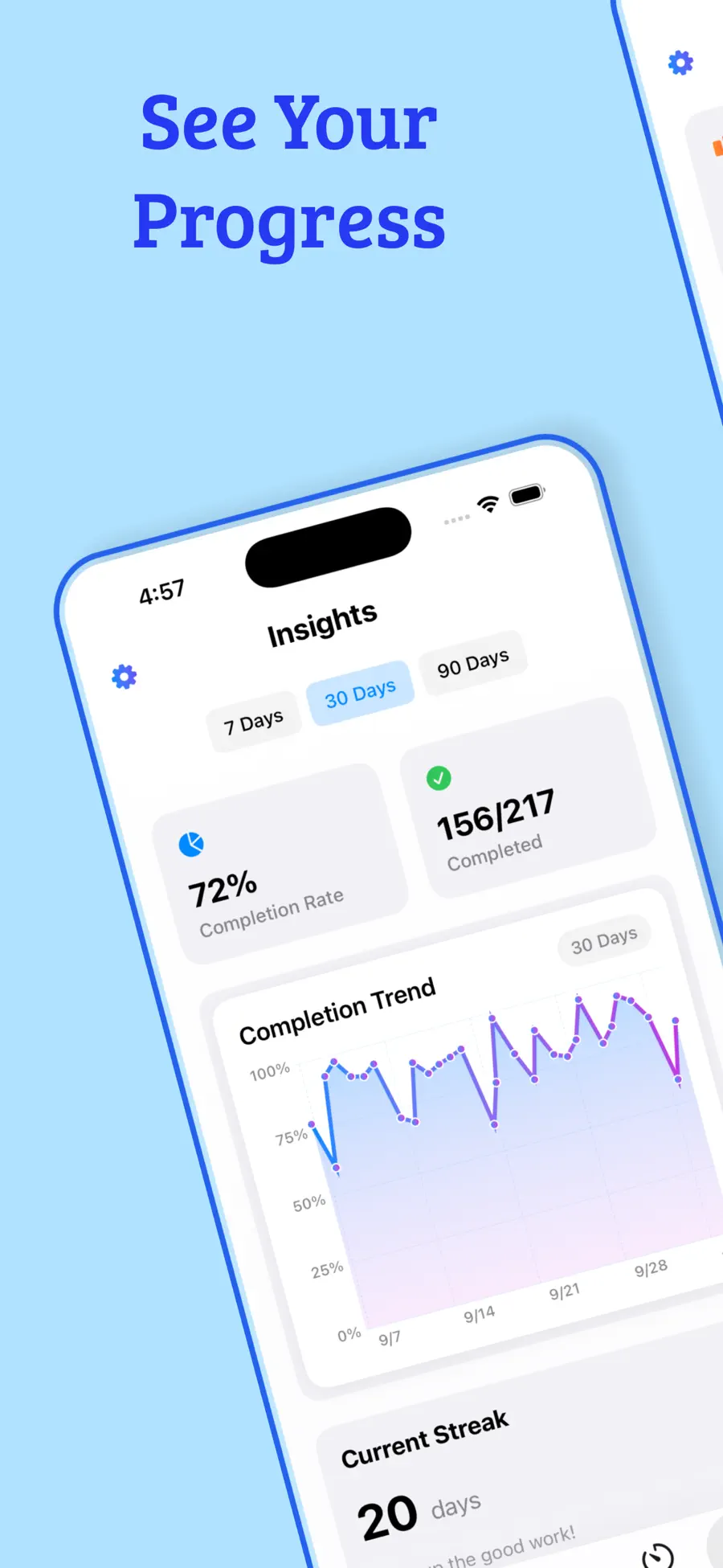
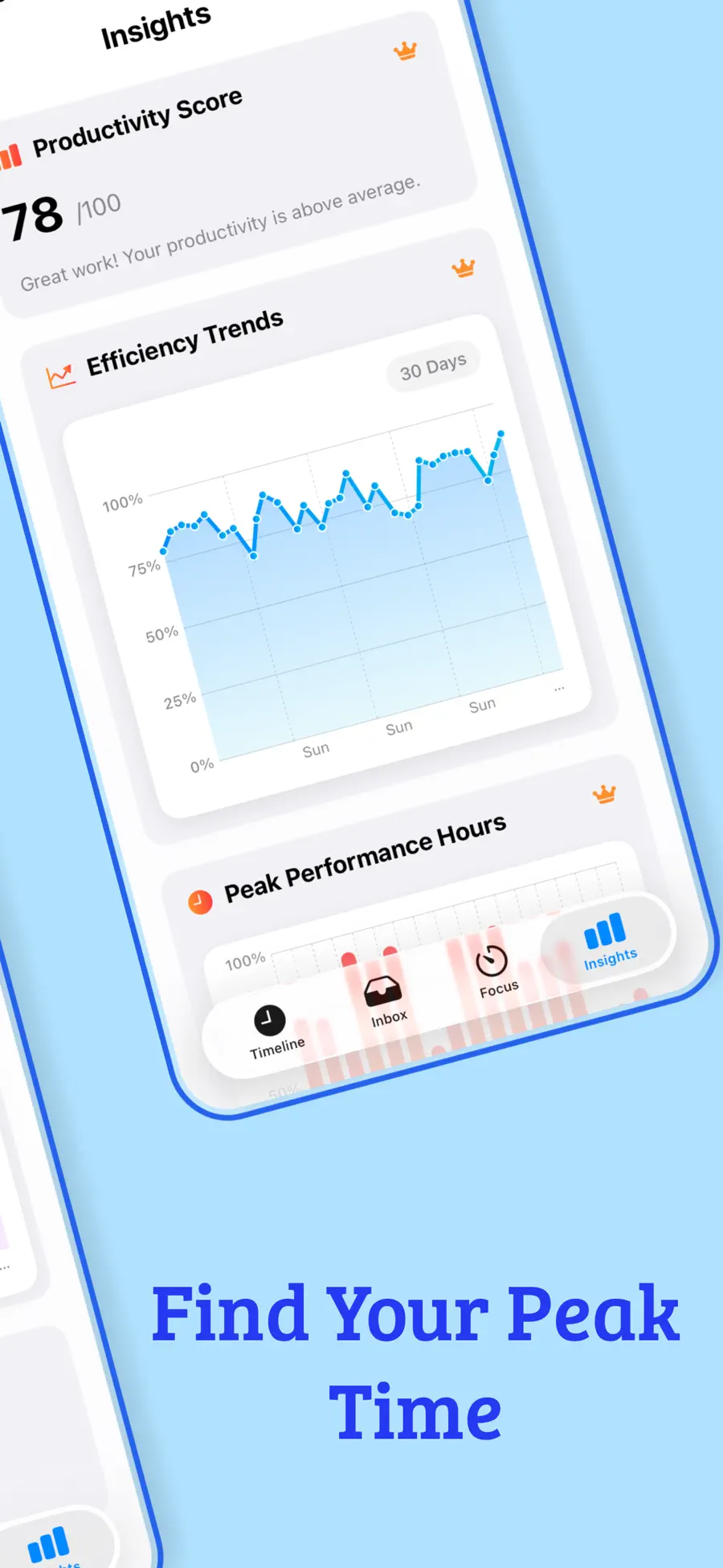
See what you finished, what slipped, and where the week's time actually went.
Apple Watch support and widgets that show what's next without unlocking anything. Pro adds iCloud sync across devices.
Context
A to-do list is a poor model of a day. It has no length. You can add a fortieth item to it at four in the afternoon and it will accept that item cheerfully, because a list has no opinion about whether the hours exist.
Planned puts the day back in charge. Tasks sit on a timeline against real hours, which means over-committing becomes visible at the moment you do it rather than at eleven that night. That single change is most of the value.
Not everything needs a slot, though, and a planner that demands one is exhausting. The Inbox catches anything unscheduled and holds it without complaint — capture the thought, place it when you’re ready. The parts of your week that don’t change become routines that rebuild themselves, and a Pomodoro timer runs against the actual task rather than as a separate ceremony you have to remember to start.
Over weeks the insights are the interesting part: what finished, what kept sliding, and where the time genuinely went as opposed to where you assumed it did.
It runs on iPhone, iPad, Mac, Apple Watch and Vision Pro, with widgets so the next block is visible without unlocking anything.
Pricing
Free to download — the timeline, inbox and routines work free
| Plan | Price |
|---|---|
| Weekly | $2.99 |
| Monthly | $5.99 |
| Yearly | $29.99 |
| Lifetime | $49.99 |
US App Store prices; regional pricing varies. Purchases, renewals and cancellations are handled by Apple through your Apple Account.
Reminders is a list. Planned puts tasks on a timeline against real hours, which is what surfaces the fact that you've scheduled nine hours of work into a six-hour afternoon.
No. The Inbox holds anything unscheduled indefinitely — capture it now, place it when you're ready, or never.
Yes, through iCloud, as part of Pro. Without Pro the app works fully on a single device.
Yes, plus Home Screen widgets on iPhone and iPad, and it runs on Vision Pro.
Yes — recurring routines and repeating tasks, on whatever pattern you need.
Yes, a $49.99 lifetime option alongside the weekly, monthly and yearly plans.
Privacy
Your tasks and routines are stored on your device and sync through your own iCloud account when Pro sync is enabled. See the privacy policy for the full detail on analytics and diagnostics.
Specification
More from Drongo